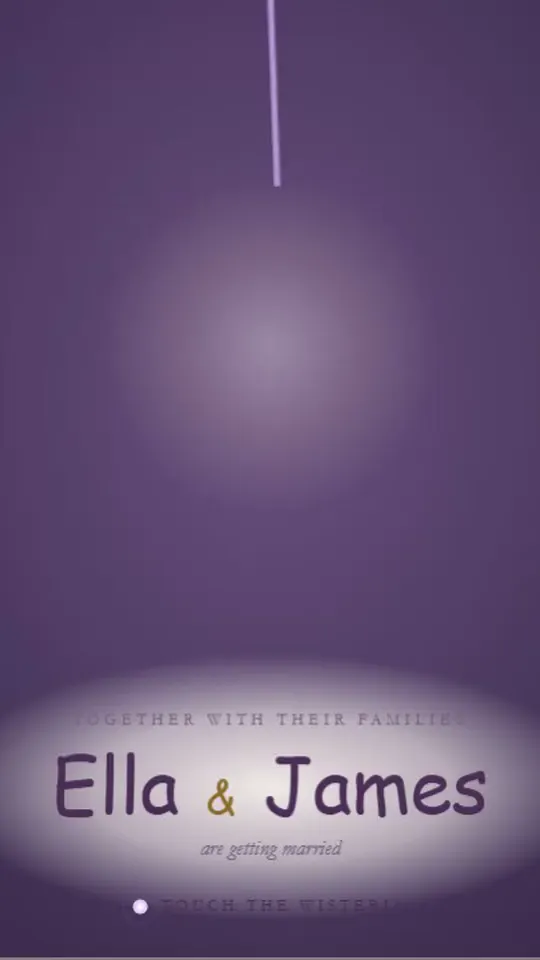
Yes, digital save the dates are acceptable for most weddings. A save the date is a friendly early notice, not the formal invitation, so sending it by email, text, or link is good manners as long as it is personal, on time, and followed by a real invitation.
Wedding guidance has caught up with how people live. Zola's guide to addressing save the dates calls virtual cards "a great option," and WeddingWire describes online save the dates as a quick, easy fit for tight timelines and large guest lists, while still favoring printed cards for very formal weddings.
So the real digital save the date etiquette questions are narrower: who might miss a digital one, how to keep it from feeling like a mass email, and when paper is still the kinder choice.
Is it rude to send a save the date by email or text?
No. What would be rude is sending one to someone you later do not invite, sending it too late to help, or blasting it to a group thread with no greeting. A warm, individually addressed digital note does exactly what a card does.
Etiquette has always cared more about the message than the medium, and a save the date's job is practical: give guests enough notice to plan.
When digital save the dates make the most sense
- Casual or modern weddings, where the whole tone is relaxed.
- Short engagements, when there is no time for printing and mailing.
- Travel-heavy guest lists, since a link can lead straight to hotel and flight details on your wedding website.
- Guests abroad, who would otherwise wait on international mail.
- Large guest lists on a budget, where printing and postage add up quickly.
- Missing mailing addresses, because a text gets the date out while you collect addresses for the invitation.
When is paper the better choice?
Paper is kinder for guests who rarely check email or texts, and it suits a very formal, black-tie wedding with an engraved or letterpress suite to follow. You do not have to pick one format for everyone.
Think about your grandparents, a great-aunt who keeps every card, or family friends who never answer texts. A small stack of printed cards for those guests costs little and avoids hurt feelings. Our article on digital invitations for older guests has more ways to include people who are not online.
Can you mix digital and paper save the dates?
Yes, and many couples do. Send most save the dates digitally and mail a handful of printed cards, keeping the names, date, city, and website identical so everyone gets the same information.
Add a column to your guest list noting how each household received theirs. When invitations go out, you will know who might prefer paper again. For the bigger picture, see digital vs. paper invitations.
How to make a digital save the date feel personal
- Send it individually. One message per household, addressed by name. Never a BCC blast or a giant group text.
- Add one personal line. "We can't wait to dance with you" turns a link into a note.
- Choose a design that matches the wedding. A garden wedding and a downtown loft wedding should not look alike. Our guide to choosing an invitation design can help.
- Send from someone guests recognize. If the save the date arrives from a platform's email address, text a heads-up first so it is not mistaken for spam. More on that in our article on making sure digital invitations arrive.
- Keep the content tight. Names, date, city, website, and "invitation to follow." Save the rest for the invitation.
What digital save the date mistakes should you avoid?
The common ones are easy to dodge: sending before your guest list is final, using a group thread that exposes everyone's phone number, and forgetting to say a formal invitation will follow. A few more to watch for:
- Unclear names. Address the message to exactly who is included, such as "Sam and Priya" or "the Okafor family," so no one guesses about plus-ones or kids.
- Surprise branding. Before you commit to a free tool, check whether it adds ads or another company's logo to your card.
- Late-night sends. A text from you at 11 p.m. can feel like an emergency.
- Forgetting the offline guests. Plan their printed cards now, not at the invitation stage.
If you are texting, our walkthrough on how to send save the dates by text includes message templates.
Does a digital save the date still need a formal invitation?
Yes. A save the date is a promise that an invitation is coming, whatever format it arrived in. The invitation can be digital or printed; match it to the formality of the day and send it on the usual schedule.
With dnvit, for example, guests open a save the date or an invitation from a link sent by text, WhatsApp, or email, with no app to install and no account to create.
Is it okay to share your save the date on social media?
Wait until every invited household has received theirs, and even then, think twice. A public post can make friends who are not invited feel left out, and it can spread your date and city further than you intended.
If you do post, share a photo of the design rather than the link itself, and leave off details such as the venue and your wedding website address.
A simple way to decide
Ask two questions about each household on your list. Will they see a text or email from you within a day? Would they be hurt not to receive something in the mail? If the answers are yes and no, digital is perfectly polite. If not, send that household a card.
When you are ready, you can browse save-the-date designs and preview one before you decide.
Frequently asked questions
Is a digital save the date too casual for a formal wedding?
It can work if the design and wording are as polished as the wedding itself. If your invitation will be engraved or letterpressed, consider printed save the dates for at least your family and older guests.
Should I still mail save the dates to my grandparents?
If they do not use email or text comfortably, yes. A printed card or a phone call from you will mean more than a link they cannot open.
Can I send a digital save the date and a paper invitation?
Yes. Mixing formats is common; the save the date can be digital while the formal invitation arrives by mail, or the reverse for a few guests.
How do I collect mailing addresses after a digital save the date?
Ask in the same message: "Reply with your mailing address so we can send your invitation." Add each reply to your guest list as it comes in.