One link, everything
Details, map and RSVP in a single link — no app, no account.
“Are expecting a little one” — the line your baby shower invitation opens with.
Design a beautiful online baby shower invitation, share one link, and let RSVPs, guest details and the whole event live in a single place. Both your names sit at the top of the invitation, and either of you can edit it.
Free to create · No card required · Guests need no app
Details, map and RSVP in a single link — no app, no account.
Live RSVP tracking with head counts and meal preferences.
Opens instantly from WhatsApp, where your guests already are.
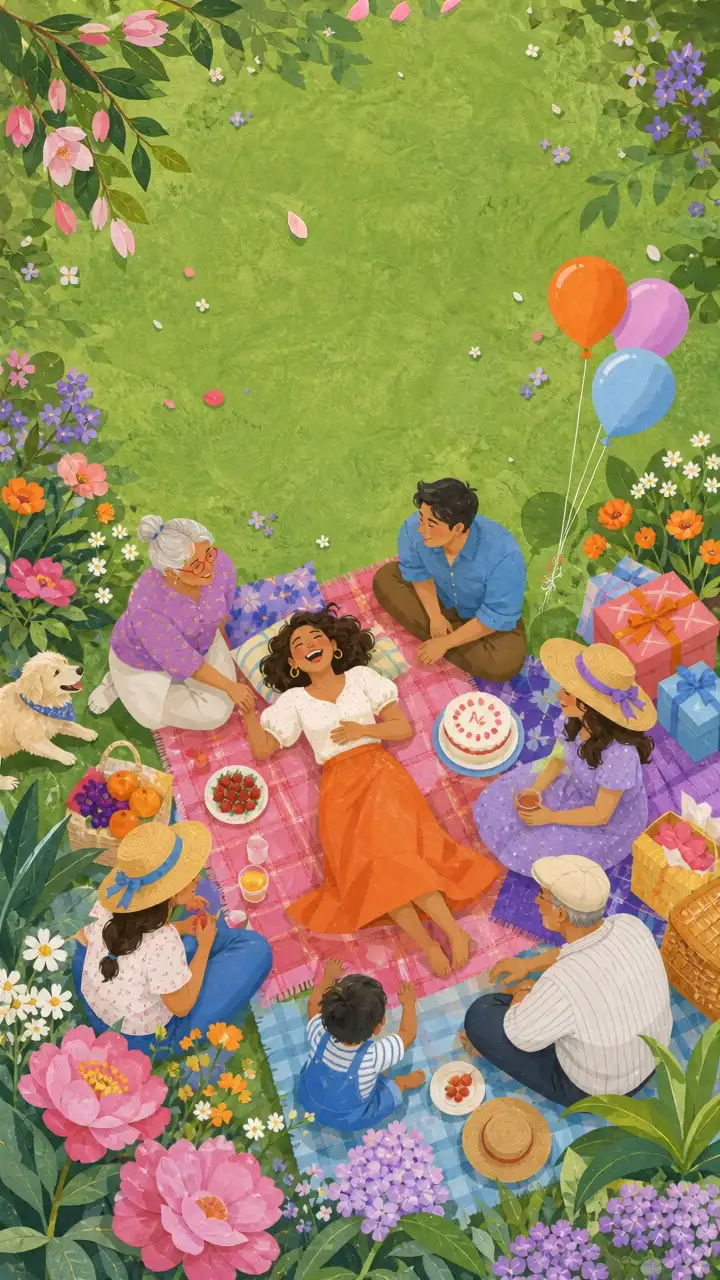
Start from a baby shower design made for the occasion, then make it yours.
Names, date, venue and photos — the invitation updates as you type.
Send it on WhatsApp, print the QR code, and watch RSVPs arrive live.
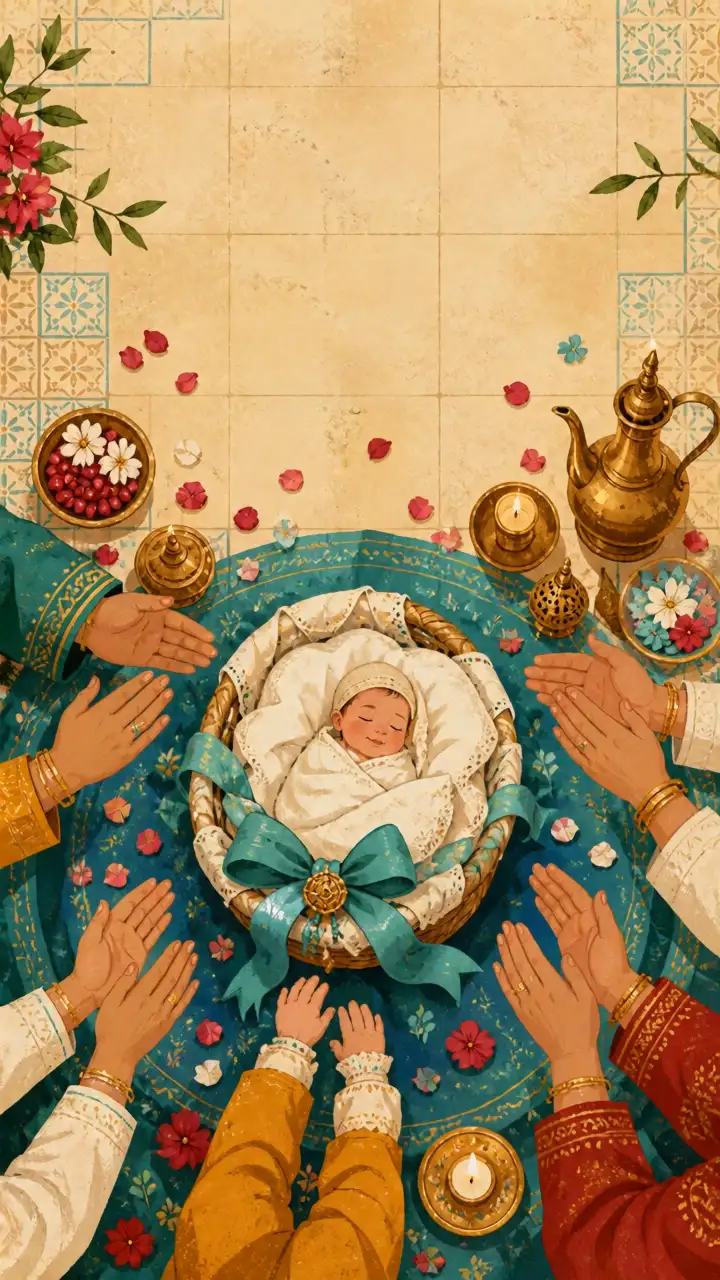
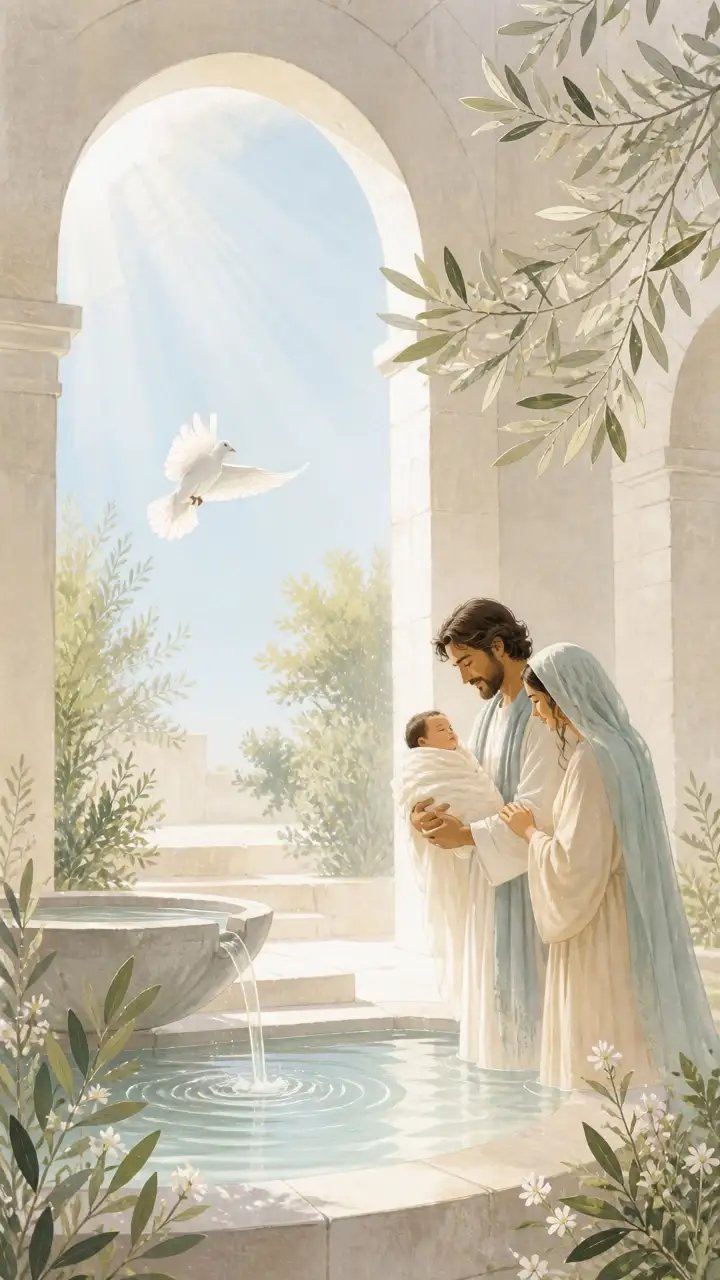
A hand-picked set of Baby Shower designs — each fully editable and built mobile-first.
Every baby shower invitation can be filled from our own artwork — choose from the collection instead of uploading, or mix it with your own photos.










No. Guests just tap the link and the invitation opens instantly in their browser — nothing to download, no sign-up.
Yes. The invitation carries both names, and whoever is signed in can edit the details, see the guest list and read every reply. Changes are live the moment you save them.
You get one beautiful link and a QR code. Share the link on WhatsApp, and guests open a full mobile invitation with your details, map and one-tap RSVP.
Yes. The link stays the same, so an updated time or venue reaches everyone who opens it.
Create a baby shower invitation people actually look forward to opening.
Create your Baby Shower invitation